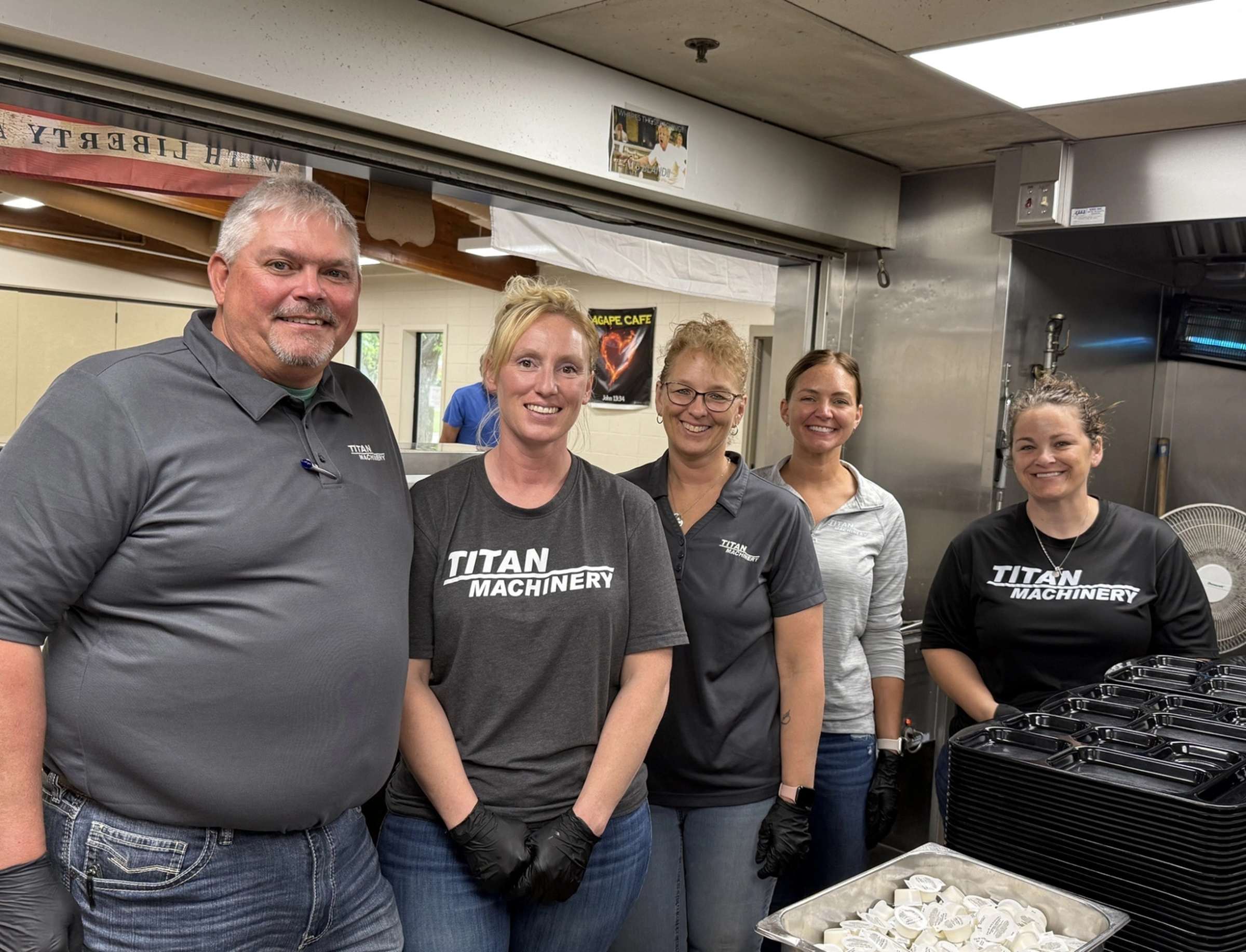
Serve on your own
Create your volunteer account
Volunteer With Us
Virtuous Volunteer (VOMO) is our online volunteer platform, designed to make serving easier, clearer, and more connected than ever before. Sign up for opportunities, view schedules, and stay informed, all in one place.
Getting started is easy
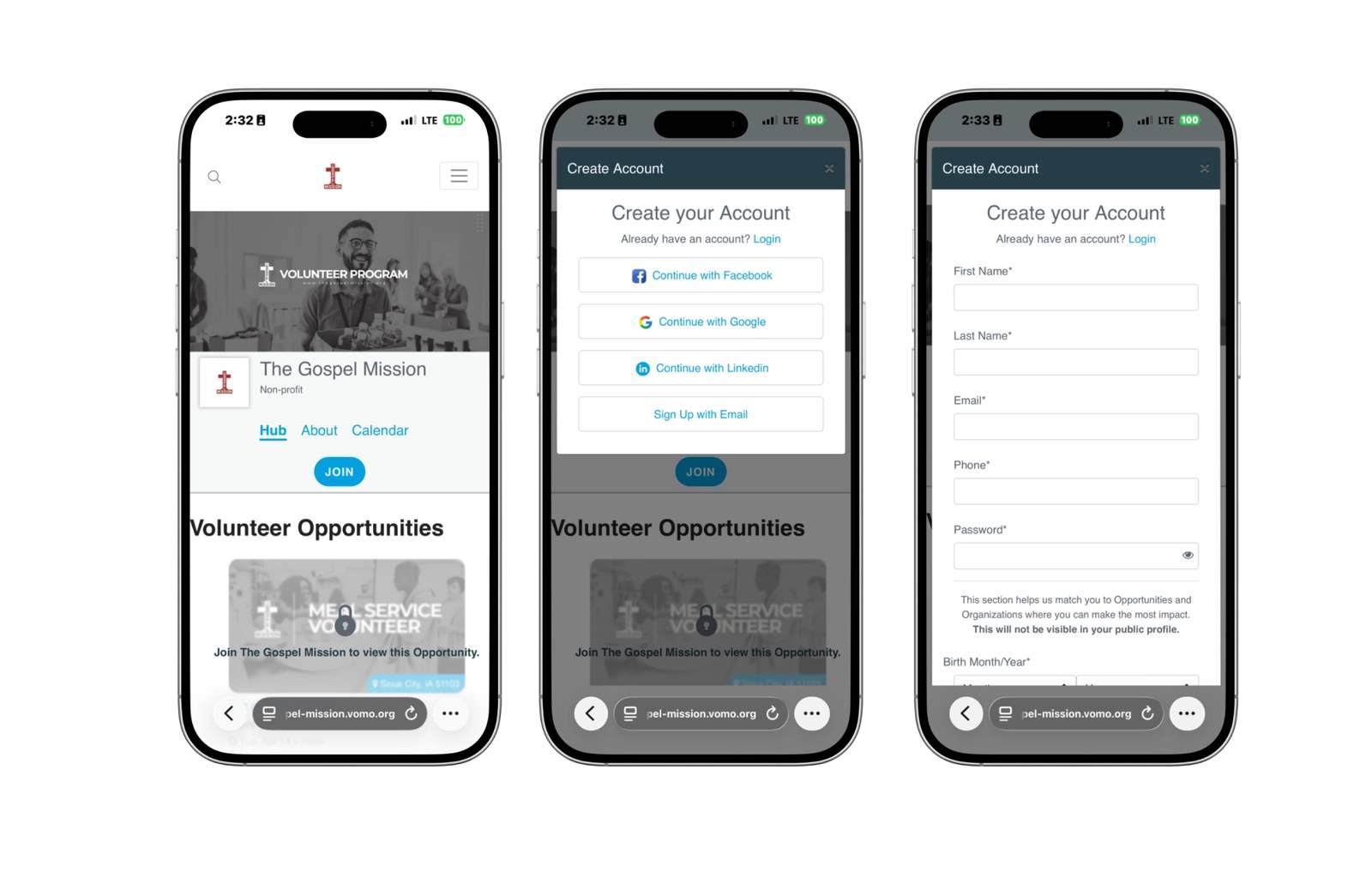
Good to know
Your spot is already reserved. After you create an account, Becky will add you to the calendar.
Find your shift in the hub and select “Leave Opportunity,” at least 2 days in advance when possible.
Read the Volunteer Position Description, Statement of Faith, and Statement of Marriage and Sexuality.
After logging in
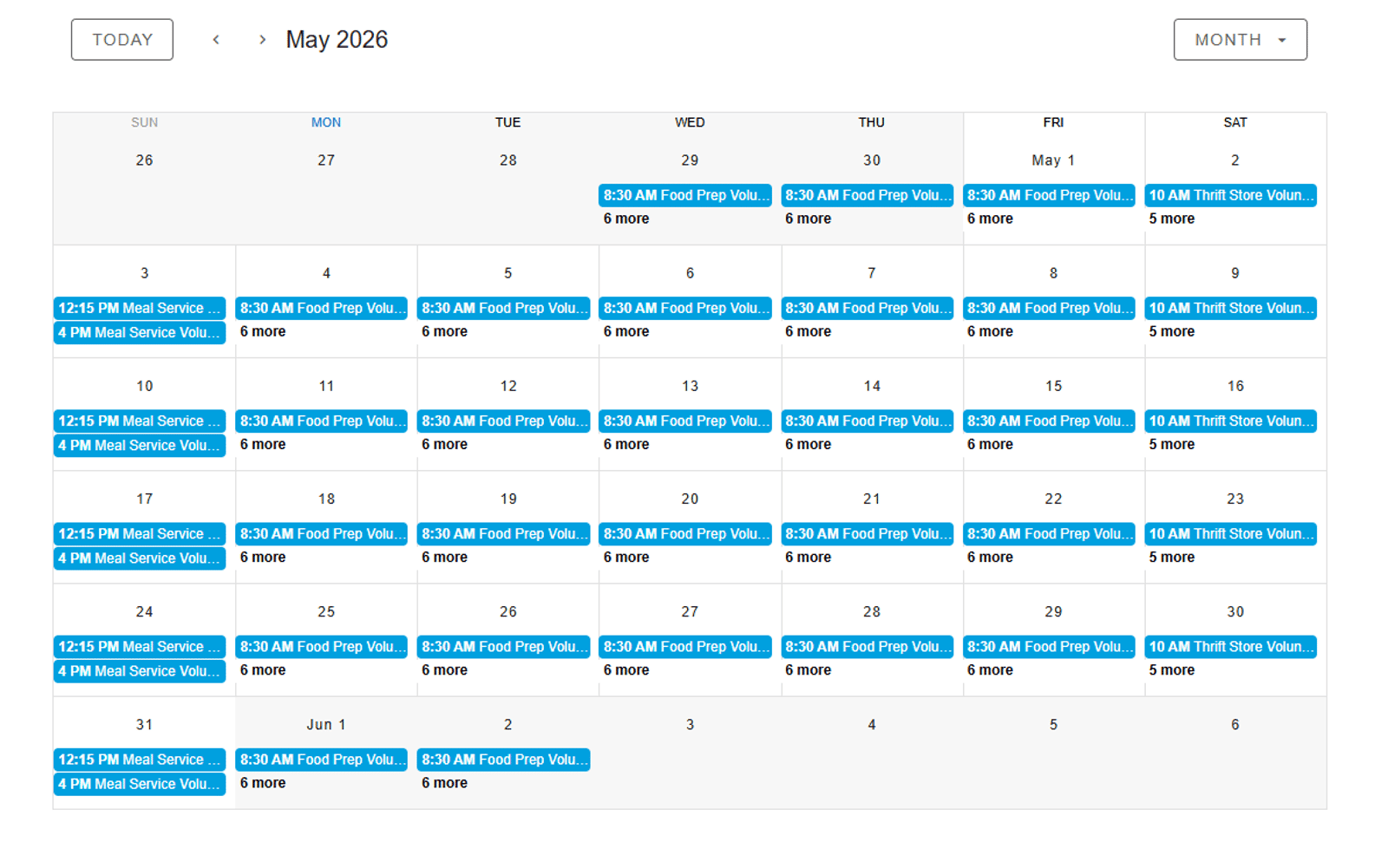
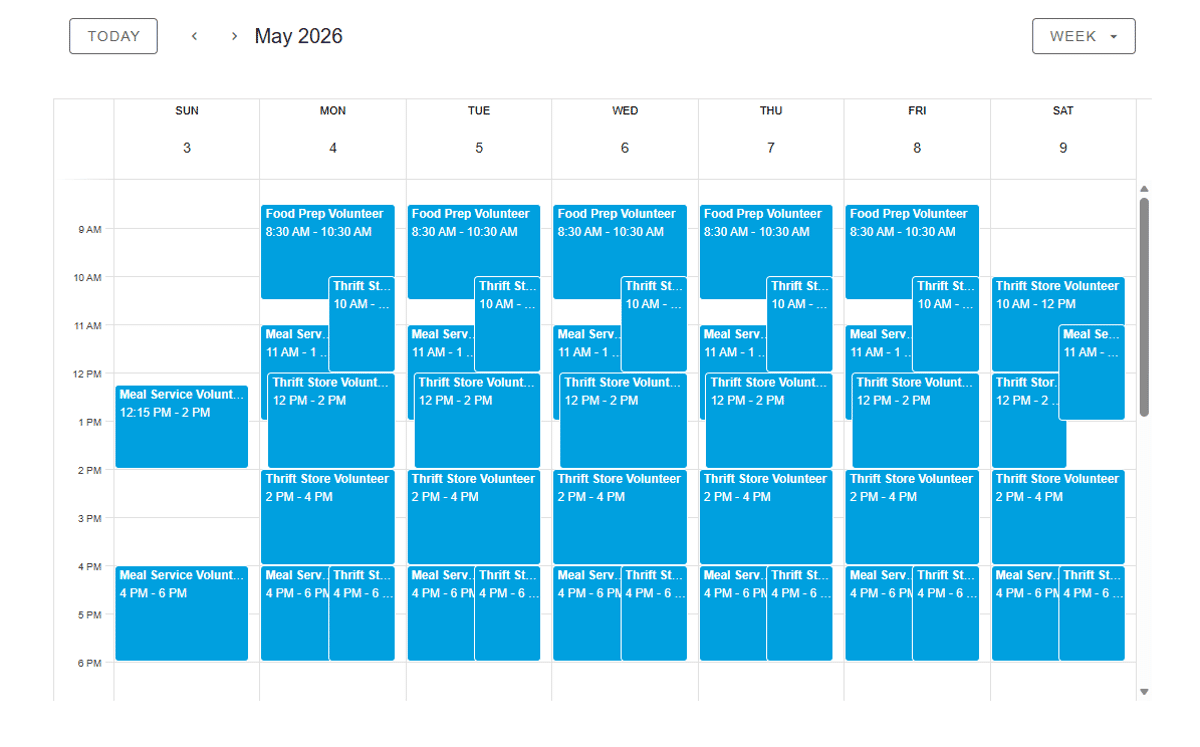
In the Volunteer Hub
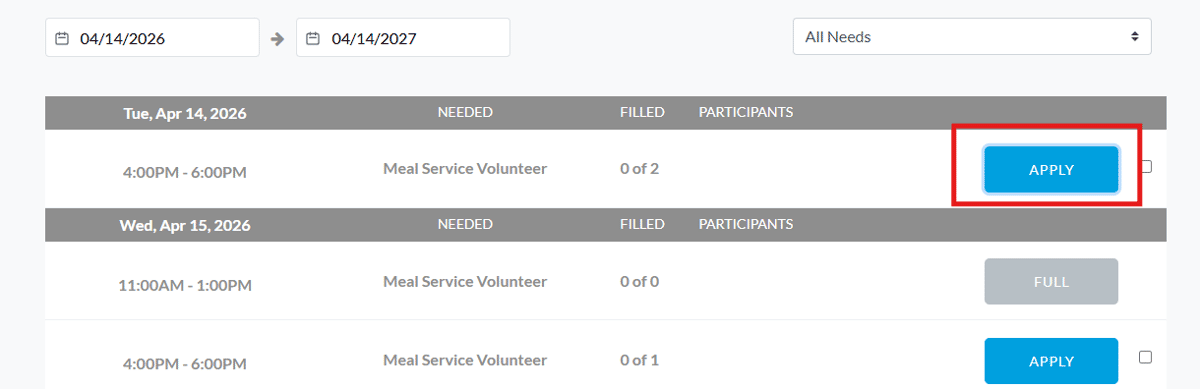
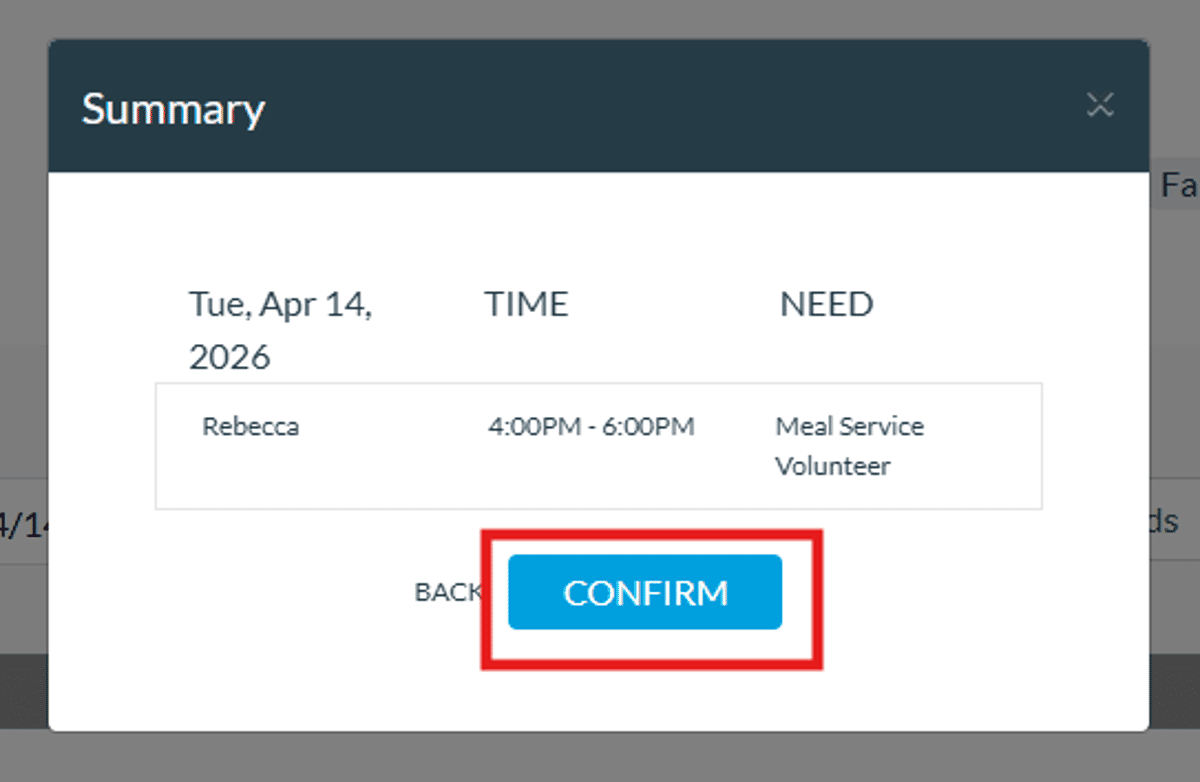
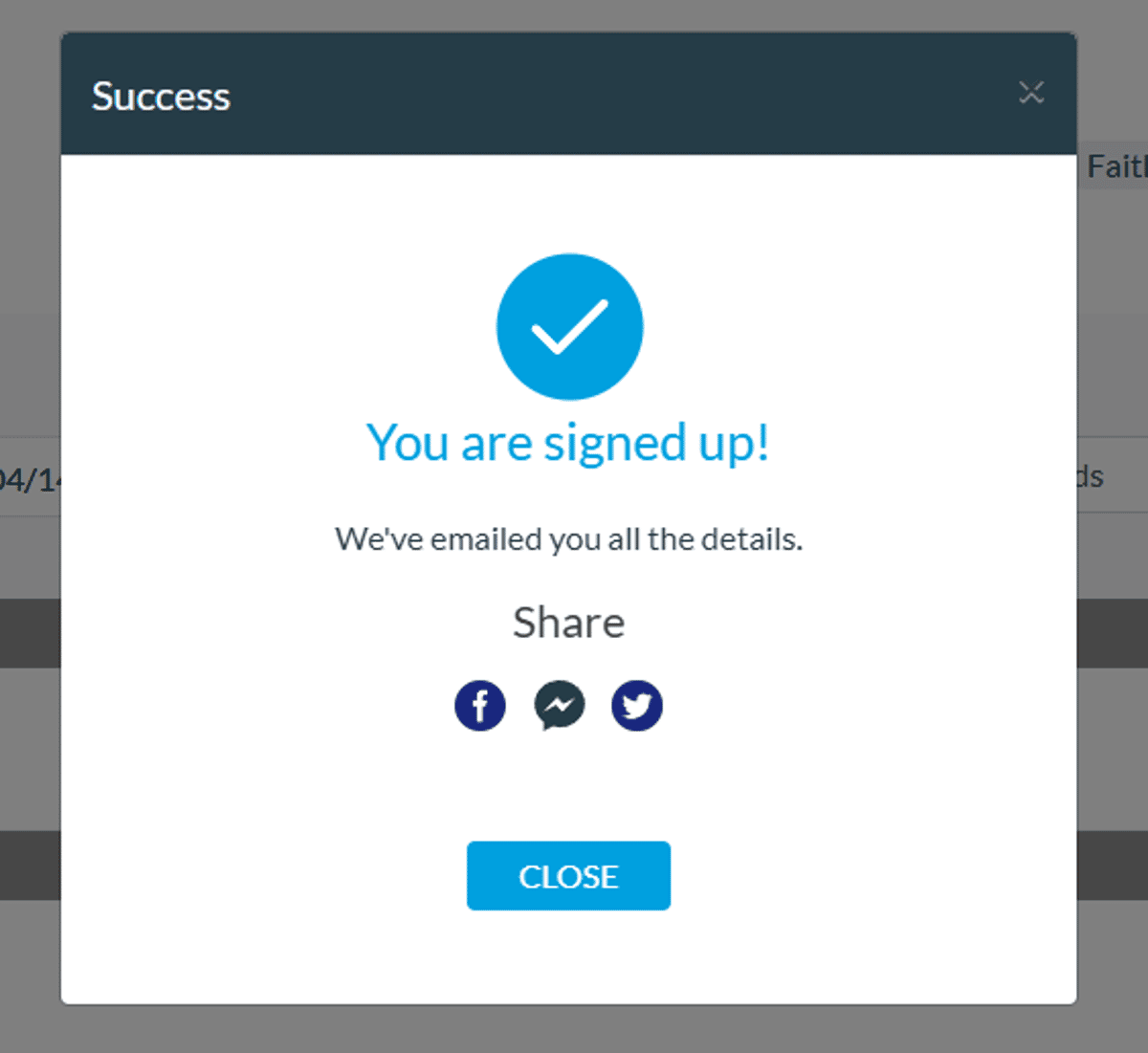
Group volunteer opportunities
If your church group, youth group, confirmation class, business, or organization is interested in volunteering at The Gospel Mission, please complete the Volunteer Group Form. Submitting this form allows our team to review your request, coordinate scheduling, and follow up with next steps.
Looking to complete community service hours? We’d love to help! Please call Becky at 712‑255‑1769 to schedule your time.
Volunteer Q & A
We ask all volunteers to:
Need help creating your account, signing up, or accessing your schedule? Fill out our contact form or call 712-255-1769. Additional volunteer information.
Yes. All volunteers are asked to create an account in Virtuous Volunteer so we can communicate clearly, manage schedules, and ensure a safe and organized experience.
Yes. Even returning volunteers will need to create an account in the new system.
Absolutely! Each volunteer should have their own account, but you can coordinate sign-ups for the same opportunity and shift.
You can view your schedule anytime by logging into your account. You’ll also receive email reminders before your scheduled shift.
If something comes up, please log in to your account and remove yourself from the shift as soon as possible so another volunteer can serve.
Thank you for being part of what God is doing through our mission!